
A guest early on in the Side Hustle Show said this: “Why am I more excited to make $5 passively than I am to make $5,000 actively?”
And whether or not that is true in your case, it is a line that stuck with me because that $5 can scale. The $5,000 usually can’t.
Chelsea Shelton is a former elementary school teacher, a mom of three, and a digital products coach at Gold City Ventures, the same program co-founded by Cody Berman, who previously shared how he built a $1,000/month Etsy shop from scratch in Episode 665.
She took the Gold City Ventures course during maternity leave, decided to stay home, and threw herself into selling digital products on Etsy.
Within 3 months, she hit 1,000 sales. Today, her shop brings in $1,000 to $1,200 a month largely on autopilot, and she spends much of her time coaching other sellers through the same process.
(Learn how to start your own Etsy digital products business with Gold City Ventures.)
Tune in to Episode 730 of the Side Hustle Show to learn:
- how to find products people are already searching for before you ever open Canva
- what listing best practices drive clicks and sales on Etsy
- how Chelsea earns passive income across multiple platforms with the same products
Sponsors
- Indeed – Start hiring NOW with a $75 sponsored job credit to upgrade your job post!

- Quo (formerly OpenPhone) — Try it for free!
- Shopify — Sign up for a $1 per month trial!

- Gusto — Get 3 months free of the leading payroll, benefits, and HR provider for modern small businesses!

How Chelsea Got Started
Chelsea took the Gold City Ventures course during maternity leave from teaching. After deciding to stay home, she went all in.
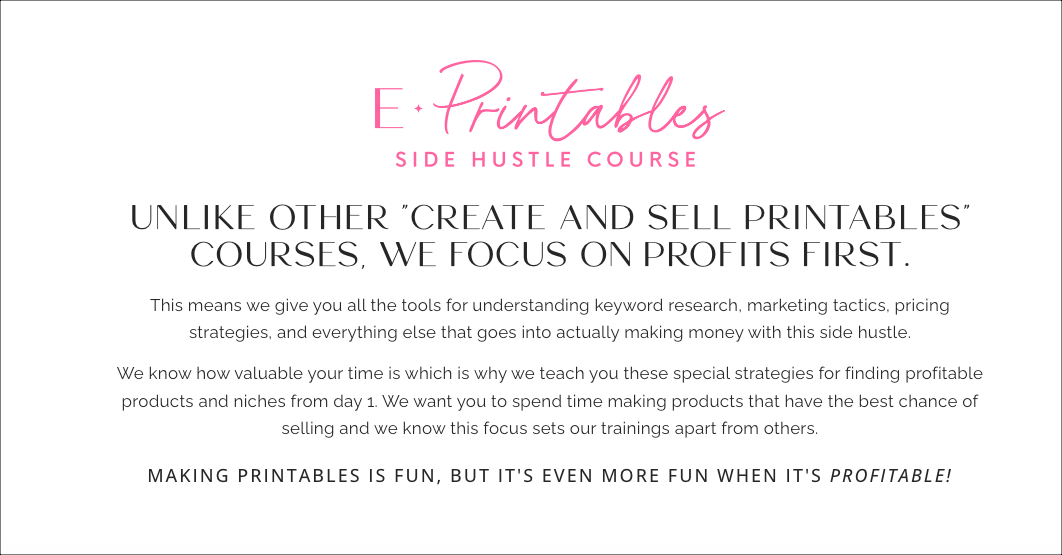
Her first product was a simple one-page spring cleaning checklist designed in Canva and listed on Etsy — and she made her first sale within five days.
Simple printables typically price between $1.50 and $5 — right in the impulse-buy range.
Editable versions, where buyers can type their own info before printing, or fillable PDFs can push the price higher.
For editable files, Chelsea either shares a Canva template link or builds a fillable PDF using Adobe tools so buyers can open it in the free Adobe reader, fill it out, and print.
Follow the Demand
The biggest mindset shift Chelsea made was stopping herself from creating products she personally liked and starting to create products people were already searching for. The data, not her taste, drives every decision.
The research process starts right on Etsy. When you type a keyword into the search bar, the autocomplete dropdown shows you what buyers are actually looking for. That’s your first signal. From there, Chelsea layers in keyword research tools to go deeper:
- E-Rank – shows historical search data and trends over the last 12 months
- Everbee – a browser extension showing real-time data from the last seven days, helpful for catching trends early
- InsightFactory – strong for forward-looking seasonal trends
When evaluating a keyword, Chelsea looks for the following:
- Click return rate (CRT) in the hundreds
- Competition below 20,000 sellers
- Search volume sweet spot of roughly 4,000 to 6,000.
High search, low competition is what Gold City Ventures calls a unicorn — and they still exist.
What Products Sell Well
Chelsea has created well over 700 products across her store. She’s found that seasonal items tend to do well because once you build them, they sell year after year — often more than they did the first time around, once the listing has some history and reviews behind it.
Some of her strongest categories:
- Games (holiday trivia, seasonal activities)
- Sports organization printables (think team mom sign-ups, concession stand lists)
- School fundraising kits
- Teacher morale resources like staff favorite-things surveys for PTAs and Sunshine Committees
One way she stands out from competitors is by bundling. For a school candy cane fundraiser product, she noticed her competition was only selling the individual cards kids would fill out.
Chelsea added signage (posters schools could hang around the building), turning it into an all-in-one kit. That bundle commands a higher price and makes the listing more compelling.
How to Make Your Listings Stand Out
Getting your product in front of buyers is one thing. Getting them to click is another.
Chelsea puts most of her focus on the main listing image. Etsy is a visual search engine — people browse it like social media. Your first image has one job: stop the scroll.
To do that, she:
- Zooms in on the product
- Slightly rotates it for visual interest
- Adds a small callout highlighting a key feature
The goal is to spark curiosity — not give the whole product away.
Etsy now allows up to 20 images plus a video per listing. Chelsea doesn’t always use all of them, but she uses the space strategically.
Instead of repeating the same image, she treats them like visual FAQs, answering the questions buyers have without relying on the description (which most people won’t read).
On the promotion side, Etsy does some marketing for you by notifying past buyers when you post new listings or run sales.
But you can also build your own email list by adding a simple prompt inside your PDF, such as: “Sign up for my newsletter and get 15% off your next order.”
Since digital products have near-zero cost, offering a discount is an easy way to grow your list.
One strategy that works especially well: Buy 3, get 25% off — run year-round.
Buyers often come for one product, then realize they can save by adding more. It’s a simple way to increase average order value without extra marketing spend.
Expanding to Teachers Pay Teachers
Once Chelsea had a library of seasonal products doing well on Etsy, she started testing them on Teachers Pay Teachers (TPT), a platform for educators buying classroom resources.
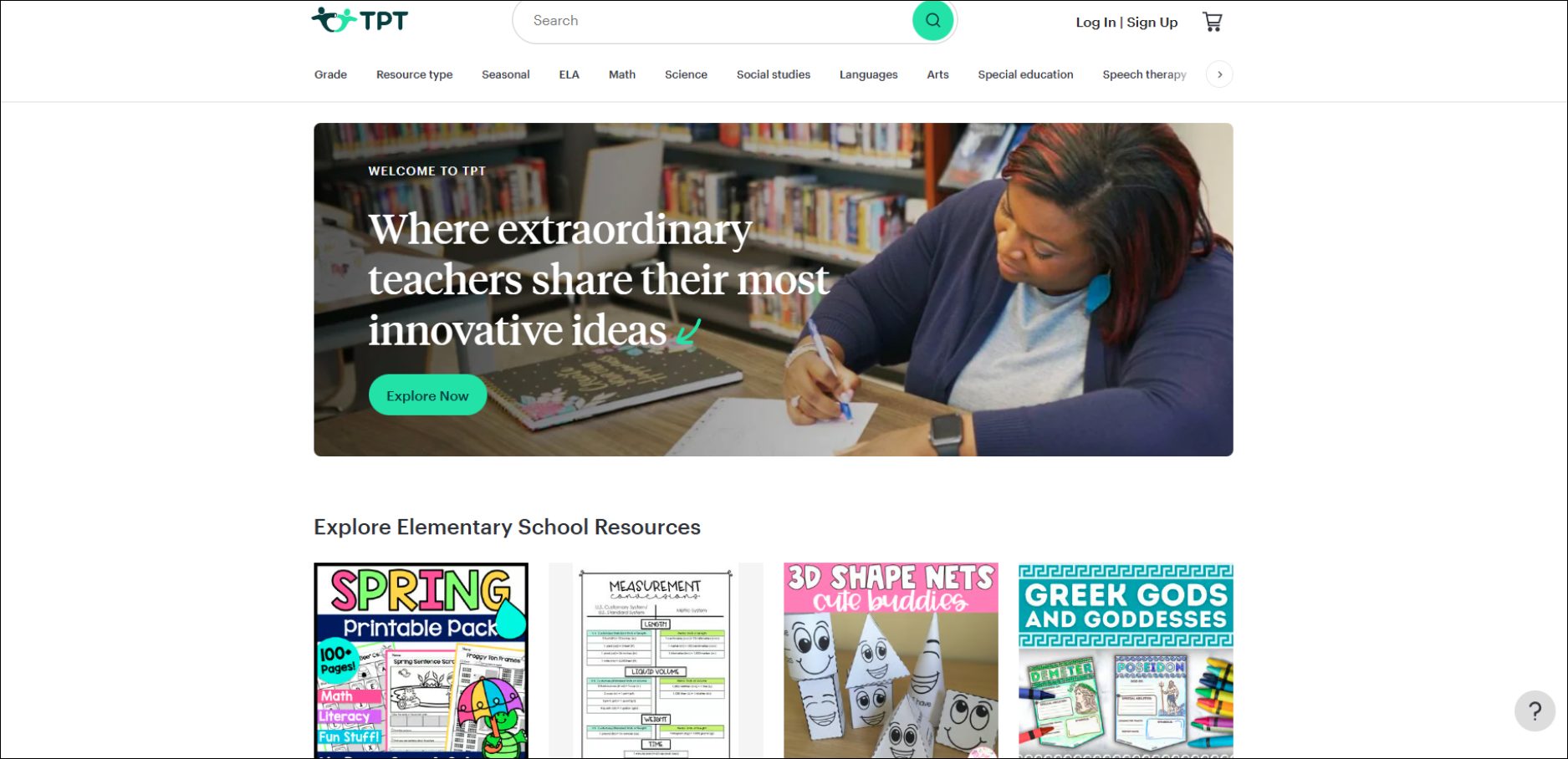
TPT now makes up about one quarter of her digital product income, with the rest coming from Etsy. That split varies:
- Some sellers are 50/50
- Others treat TPT as a secondary channel
Pricing works a little differently. Teachers will often pay more for resources that save prep time, but since many spend out of pocket, prices still need to feel reasonable.
The research process is simple. TPT’s search bar auto-completes in real time, showing what educators are actively looking for — no external tools needed.
Chelsea’s teaching background helped her spot real needs beyond academics, including:
- Handprint art activities
- Classroom holiday games
- PTA “favorite things” surveys
These aren’t traditional lessons, but they solve everyday problems. That’s where demand comes from.
Tools and Tech
- Canva – the primary design tool for building all printables
- E-Rank – keyword and historical trend research for Etsy
- Everbee – browser extension for real-time Etsy data (last 7 days)
- InsightFactory – forward-looking seasonal trend data
- ProfitTree – newer tool that aims to combine E-Rank, Everbee, and Insight Factory metrics in one place
Will AI Replace the Printables Business?
Chelsea doesn’t think so.
She uses AI herself for brainstorming product ideas, finding ways to differentiate a listing from competitors, and working through design decisions. It speeds up the process.
But most buyers aren’t going to open ChatGPT, figure out the right prompt, and iterate until they get a nicely formatted, print-ready file.
They want the thing already done.
As Chelsea sees it, AI helps sellers produce more, but it doesn’t reduce the demand that brings buyers to Etsy in the first place.
A Day in the Life
Chelsea’s Etsy shop is largely passive at this point. The seasonal products she built in her first year now sell on repeat every time the holidays come back around, often better than the year before.
She doesn’t have to work on it if she doesn’t want to.
Her current time goes toward two things: helping Gold City Ventures students work through the same process she used, and slowly learning the print-on-demand space, which is a different model but still requires no physical inventory on her end.
Any Mistakes or Surprises Along the Way?
Chelsea’s biggest early mistake was ignoring the research. She made products she personally liked and assumed there was a market.
Once she committed to following the data instead and building what people were actually searching for, the sales followed.
What’s Next for Chelsea?
With her youngest heading to kindergarten in the fall, Chelsea is getting ready to ramp back up — diving back into product creation the way she did when she first started, and continuing to coach students inside the Gold City Ventures community.
Chelsea’s #1 Tip for Side Hustle Nation
“Start before you feel ready.”
Episode Links
- Chelsea Shelton
- Gold City Ventures course
- Etsy
- Canva
- How to Make Money Using Canva
- E-Rank
- Everbee
- InsightFactory
- Teachers Pay Teachers (TPT)
- How to Make Money on Teachers Pay Teachers
- ProfitTree
- Episode 665: The Path to $1k/mo with Mini Digital Products with Cody Berman
Looking for More Side Hustle Help?
- Start Your Free $500 Challenge. My free 5-day email course shows you how to add $500 to your bottom line.
- Join the free Side Hustle Nation Community. The free Facebook group is the best place to connect with other side hustlers and get your questions answered.
- Download The Side Hustle Show. My free podcast shares how to make extra money with actionable weekly episodes.
The award-winning Side Hustle Show is the #1 side hustle podcast
with over 1,300 5-star ratings!

Listen in your favorite podcast app or directly in your browser.